Total privacy
Files are processed on-device and never uploaded to any server.
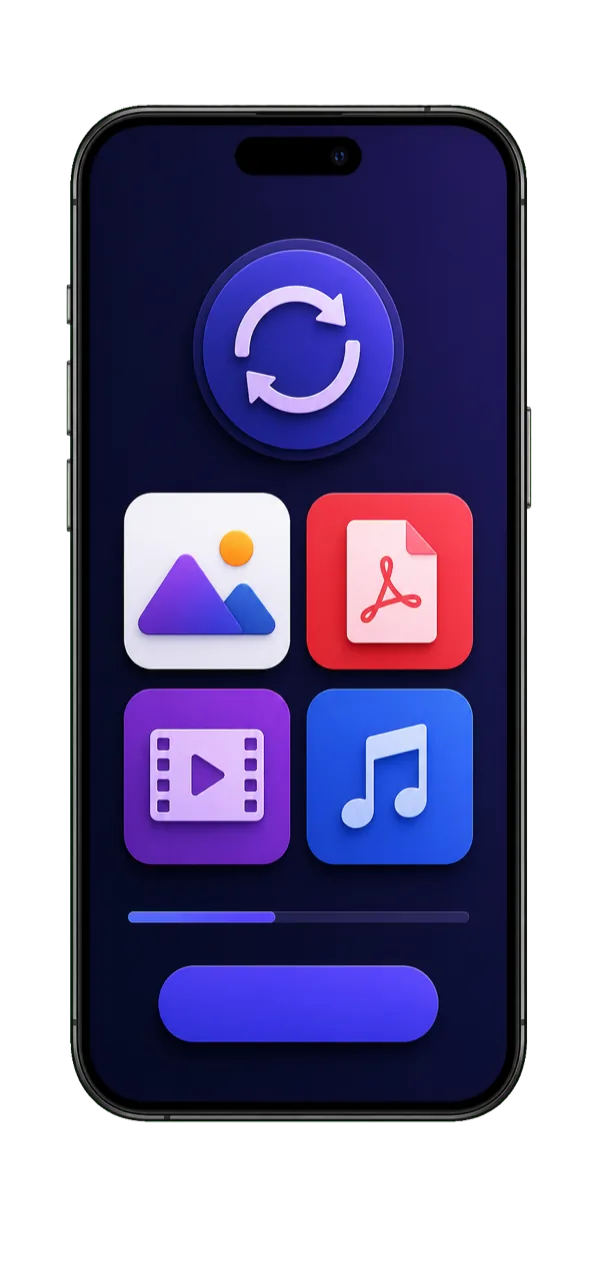
Convert and compress images, video, PDFs, documents and audio right on your iPhone — PNG to JPG, MP4 to MKV, DOCX to PDF, MP3 to WAV and every other popular format. Lightning fast, privacy-first, no accounts and no uploads.
200+
Conversion formats
100%
On-device & private
0
Uploads & size limits
4.8★
App Store rating
Convert and compress images, video, documents and audio — all processed privately on your iPhone.
PNG to JPG, HEIC to JPG, WEBP to PNG and more — batch convert and resize without quality loss.
ExploreMP4 to MKV, MOV to MP4, AVI to MP4, MP4 to GIF — convert and shrink clips with full quality control.
ExploreDOCX to PDF, PDF to Word, PDF to JPG, PPTX to PDF — plus merge, split and compress PDFs.
ExploreMP3 to WAV, M4A to MP3, FLAC to MP3, AAC to MP3 — convert and extract audio from video.
ExploreCompress PDF, video and images to reduce file size for email and messaging — you control the quality.
ExploreEvery conversion runs 100% on your device. Your files never leave your iPhone and the app works without internet.
Hundreds of supported formats. Here are the conversions people search for most — tap any to learn more.
Convert photos and graphics between every common image format on iPhone.
Change video containers and codecs, or pull audio out of a clip.
Turn documents into PDFs and back — or export PDF pages as images.
Convert music and voice recordings between every popular audio format.
Make files smaller for email, messaging and storage without ruining quality.
Free how-to guides for the conversions people ask about most — no computer needed.
Online converters upload your private files, cap their size and bury you in ads. ConvertEase fixes all of it.
Files are processed on-device and never uploaded to any server.
Native, hardware-accelerated conversion — no slow uploads or downloads.
Convert and compress large 4K videos and big PDFs without caps.
No internet needed and no disruptive ads during conversion.
No learning curve. Designed to feel effortless on mobile.
Grab ConvertEase free from the App Store and open it — no signup required.
Pick any image, video, document or audio file from your library or Files app.
Choose your format, tap convert, and save or share the result in seconds.
Everything about converting and compressing files on your iPhone.
ConvertEase converts images (PNG, JPG, HEIC, WEBP, BMP, TIFF, GIF), video (MP4, MOV, MKV, AVI, WEBM, FLV), documents (DOCX, PDF, PPTX, XLSX, TXT) and audio (MP3, WAV, M4A, FLAC, AAC, OGG). It also compresses PDFs, videos and images to reduce file size.
Download ConvertEase free, tap Image, choose your photo, pick JPG as the output format and tap Convert. PNG to JPG, HEIC to JPG, WEBP to PNG and batch conversions are processed instantly on your device.
Yes. ConvertEase supports popular video conversions including MP4 to MKV, MKV to MP4, MOV to MP4, AVI to MP4 and MP4 to GIF, with control over resolution and quality — all without uploading your video to a server.
Yes. ConvertEase handles document conversions such as DOCX to PDF, PDF to Word, PDF to JPG, JPG to PDF, PPTX to PDF and XLSX to PDF directly on your iPhone.
Yes. You can compress PDFs, videos and images to shrink their file size for email or messaging while choosing how much quality to keep — perfect for large MP4 videos and photo libraries.
ConvertEase is free to download. Every conversion runs 100% on-device, so your files are never uploaded to a server and the app even works offline — making it more private than online converters.
Join thousands who switched to the fastest, most private file converter on iOS.